
User guide · 6 of 9
Get a deleted file back
Cleanups are reversible by design. Here is how to put something back.
- Open the Recycle Bin on Windows, or the Trash on a Mac.
- Find the file — sorting by date puts the most recent cleanup at the top.
- Choose Restore (Windows) or Put Back (Mac).
See what was cleared
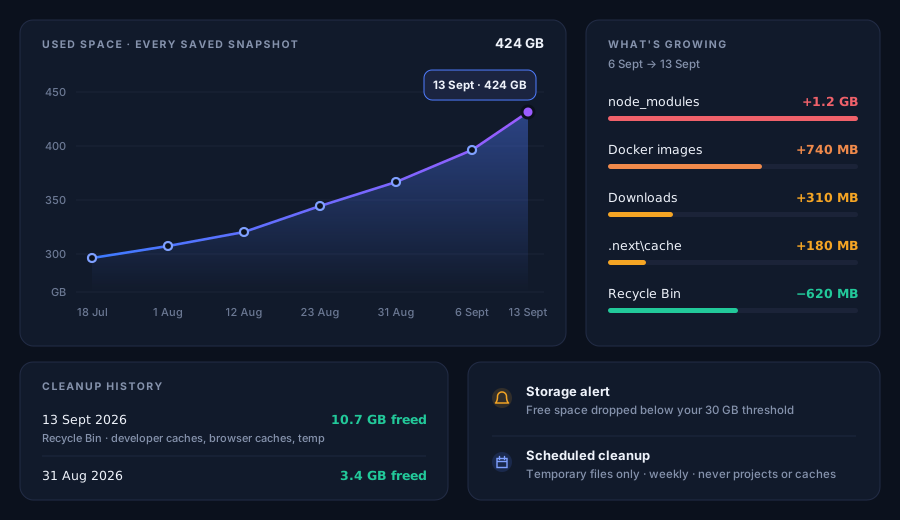
Cleanup History lists every cleanup you have run, when it ran, and how much it freed. Use it to check what a cleanup actually removed.
Permanent deletion
It exists, but you have to choose it deliberately in the confirmation box — it is never the default. On Windows, DriveXos can take a system restore point first; turn that on in Settings. Once a permanent delete is done, only your own backup can bring the files back.
Something here unclear, or not working for you?